Calls in Express
Calls between two people that ring in every tab and device the callee has open, group calls on the WordPlus Cloud media servers, and the Better Messages call screen: the buttons, the ring and the call window, with no call code. The media of a call is encrypted end to end, with keys your server gives out.
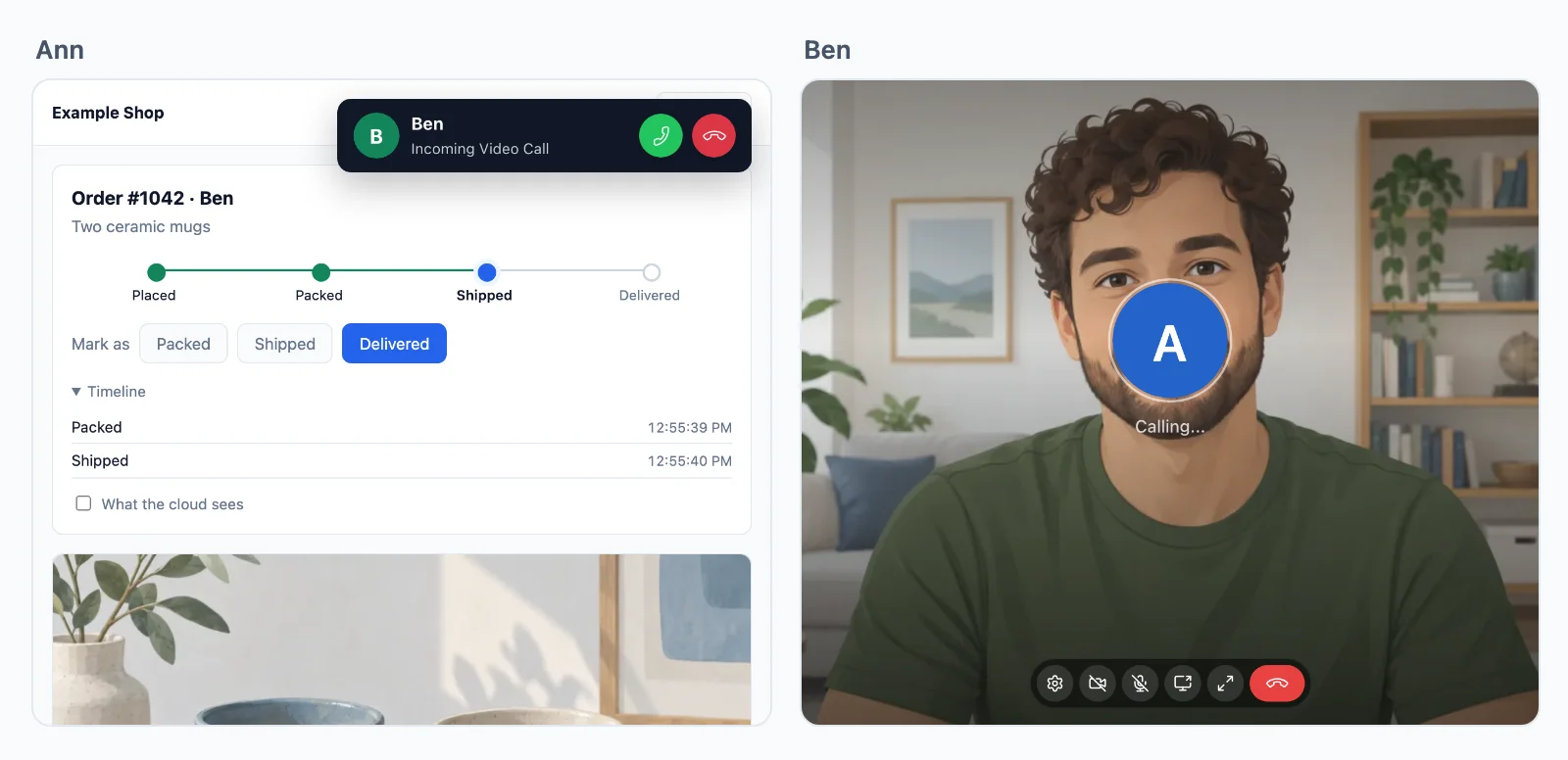
Who may call
Your server declares calls as it declares rooms, by pattern:
// Calls between two people, support:34:42: the two it names, one of them staff.
realtime.calls( 'support:{a}:{b}', async ( user, withUser, { a, b } ) => {
    const pair = [ a, b ].map( Number );
    return pair.includes( user ) && pair.includes( withUser ) && ( ( await isStaff( user ) ) || ( await isStaff( withUser ) ) );
} );

// The daily meeting: a group call for everyone signed in.
realtime.groupCalls( 'meeting:{id}', ( user ) => user !== null );
withUseris the other person: whomusercalls, or who callsuser. Your server is asked again when the callee answers, with the callee asuser.- The answer:
false,true, or{ info, publish, subscribe, admin, hidden }: what the others see ofuser(yourprofileby default), and in a group call whether they may send and receive, moderate, or stay unlisted. - The rooms of a group call can be encrypted end to end too:
realtime.groupCalls( 'meeting:{id}', rule, { encrypt: true } ). The rooms that come from a call always are. - User ids are integers for calls in this version. One that is not is refused with
no_user.
The calls route (/api/realtime/calls) is already among the answers of realtime.node().
The call screen
Start it on every page where a call may ring, and put buttons where people call from:
await rt.callScreen(); // the ring and the call window, on this page
<wordplus-call to="34" call="support:34:42" type="video" name="Ann" avatar="/avatars/ann.svg">Call Ann</wordplus-call>
<wordplus-room room="meeting:daily" type="video" title="Daily meeting">Join the meeting</wordplus-room>
- A list with call buttons:
<wordplus-online room="shop" call="support:{pair}">puts one on the row of every member (presence). - Its words come in English, German, Spanish, French, Italian, Dutch, Polish, Croatian and Hebrew, by the page
<html lang>orrt.callScreen( { lang: 'de' } ).strings: { … }changes any of them. - Its look is that of Better Messages, in a shadow root: your styles do not reach in, and its colours are CSS custom properties your page sets.
- Group calls need the room client your app serves (
roomsincreateRealtime(), copied bynpx wordplus-realtime copy public/with its encryption worker beside it).
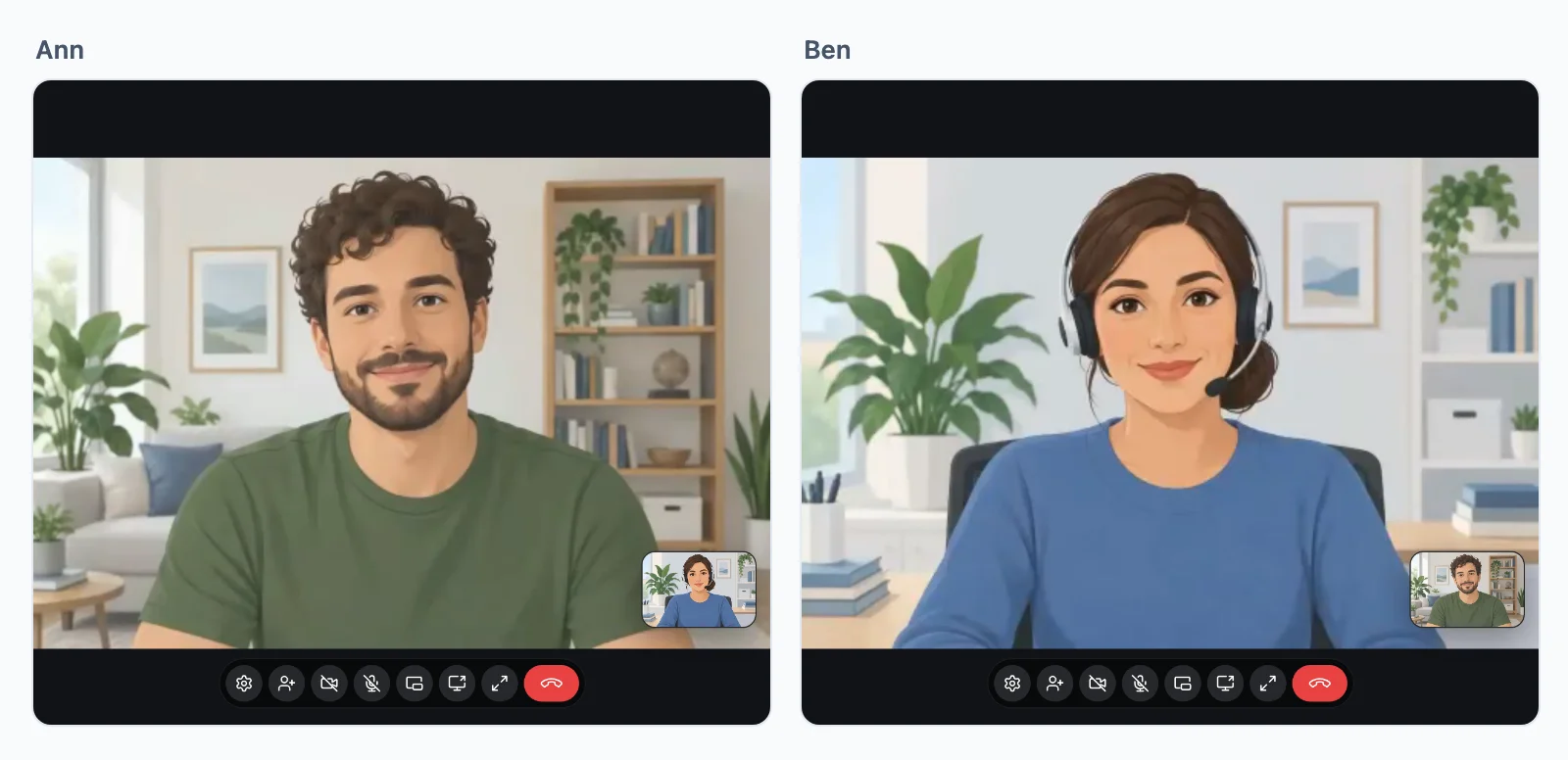
Adding people
Once a call is up, either side may ring someone else in, and it goes on as a group call. Say whom the call screen offers:
realtime.calls( 'support:{a}:{b}', maySupport, {
    // The staff not in the call, each still asked of maySupport.
    people: async ( user, call ) => ( await staffIds() ).filter( ( id ) => ! call.split( ':' ).slice( 1 ).map( Number ).includes( id ) ),
} );
The screen then shows an Add person button, listing them with the names and pictures from your profile.
Your own call interface
The call screen is built on this, and nothing else:
const calls = await rt.calls();

const call = await calls.start( 'support:34:42', { to: 34, type: 'video' } );
call.on( 'state', ( state ) => show( state ) );   // ringing, connecting, connected, reconnecting, ended
call.on( 'remote', () => call.remote.camera?.attach( video ) );
call.end();

calls.on( 'incoming', async ( incoming ) => {
    const answered = await incoming.accept();     // the call, or the group call it rings into. Or incoming.decline( 'busy' )
} );

const meeting = await calls.group( 'meeting:daily', { type: 'video' } );
meeting.on( 'person', ( person ) => person.camera?.attach( tileFor( person ) ) );
meeting.leave();
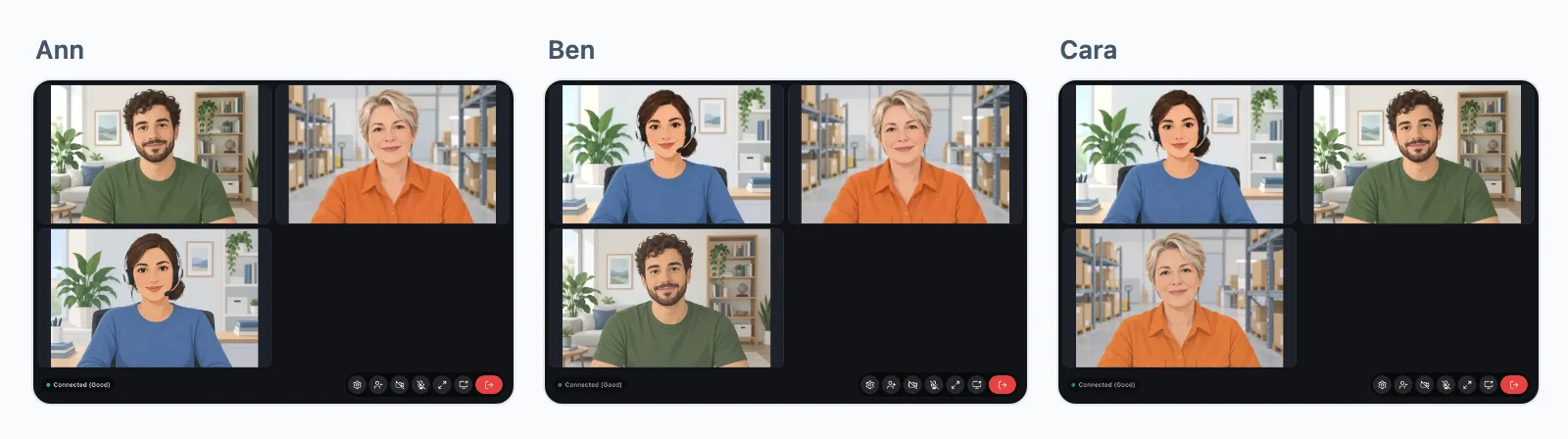
Every event, why a call ended, and what WordPlus Cloud sees: calls in depth.