Events from the page
Pages send events to the rooms they are in, straight through WordPlus Cloud, with no request to your server: chat messages, typing, read ticks, a cursor. A room rule says which events may be sent to it, and every one is sealed like those your server sends.
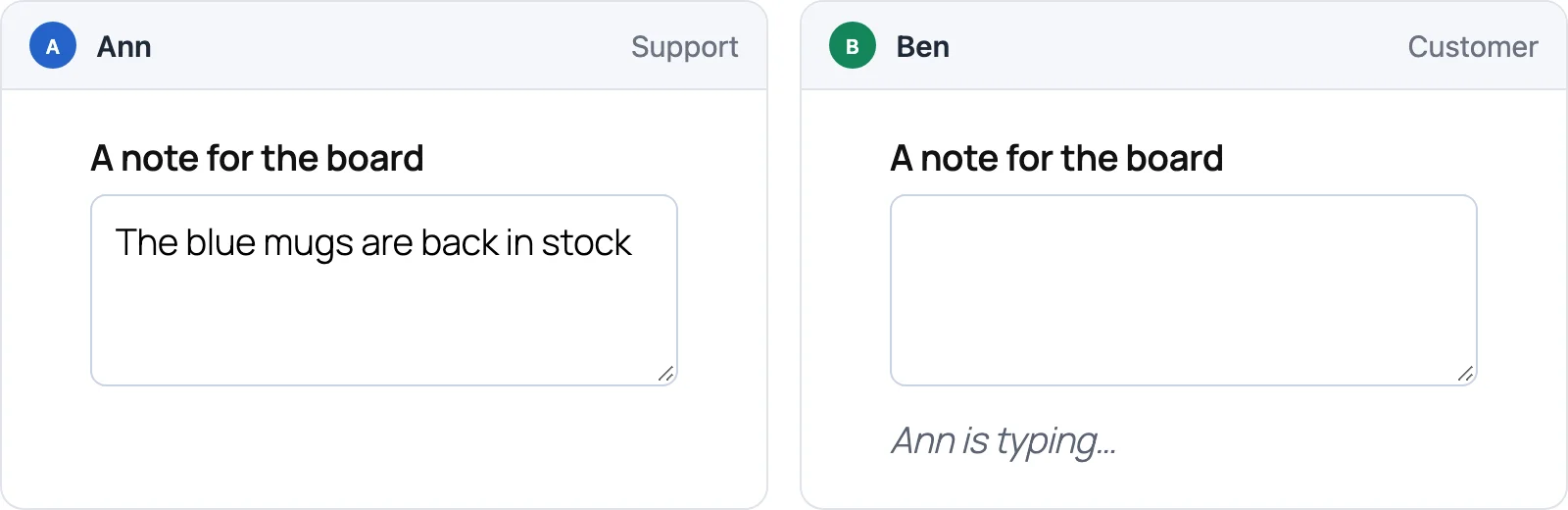
What a room allows
wordplus_realtime()->room( 'chat:{a}:{b}', function ( $user_id, array $p ) {
	return in_array( (string) $user_id, array( $p['a'], $p['b'] ), true );
}, array( 'history' => 50, 'emit' => array( 'message', 'typing', 'reaction', 'read' ), 'webhook' => array( 'message', 'reaction' ) ) );
emitlists the names, or'*'for any. None by default: a room your server alone sends to.webhooknames those your server gets too, to keep them (below).historykeeps the last events of the room for 5 minutes: what a page that reconnects missed comes again from it.- The answer for one user can narrow it:
array( 'emit' => array( 'typing' ) ), orarray( 'readOnly' => true )for none. - The names kept for the room itself (
joined,join,leave,count,error) are never allowed.
Sending
A page sends to a room it has joined, and hears what the others send:
const chat = wordplusRealtimeClient.page().join( 'chat:34:42' );

chat.emit( 'message', { text: 'Hi' } );                                 // sent, nothing waited for
const { id, at } = await chat.emitWithAck( 'message', { text: 'Hi' } );  // WordPlus Cloud took it: checked, kept, sent on
chat.volatile.emit( 'typing', { on: true } );                           // dropped rather than queued while off line, never kept
await chat.timeout( 5000 ).emitWithAck( 'message', { text: 'Hi' } );    // an ack waited for 5 seconds at most

chat.on( 'message', ( data, meta ) => draw( data.text, meta.from ) );    // meta: { from, id, at, replayed? }
- Everyone in the room gets it, the other tabs and devices of the sender too. The tab that sent it does not.
emitWithAckresolves with{ id, at }once WordPlus Cloud has checked the event, kept it (when the room keeps history) and sent it on. It rejects with a code:not_allowed(the rule does not list it),forbidden(not in the room),rate_limited,too_large,bad_event.meta.fromis the sender user id, as the site vouched for them: a page cannot send as someone else.- Limits: 1 MB an event (kept in history up to 64 KB), 50 a second a connection, in bursts of up to 100.
Keeping the conversation
The conversation is for your plugin to keep, in the WordPress database, as Better Messages keeps its own. A room keeps its events for 5 minutes, for pages that reconnect. Your server gets the events a room rule names in webhook (webhooks) and saves them by event_id, the id the pages saw as meta.id. A route of yours gives them back, a page at a time:
add_action( 'plugins_loaded', function () {
	wordplus_realtime()->on( 'message', function ( array $e ) {
		my_chat_save( $e['event_id'], $e['room'], (int) $e['from'], (string) $e['data']['text'], (int) $e['at'] );
	} );
} );

// GET /wp-json/my-chat/v1/chat/34/42/messages: the newest 50, or with ?before=<id> the 50 before that one, oldest
// first. Only its two people may read it.
add_action( 'rest_api_init', function () {
	register_rest_route( 'my-chat/v1', '/chat/(?P<a>\d+)/(?P<b>\d+)/messages', array(
		'methods'             => 'GET',
		'permission_callback' => function ( $request ) {
			return in_array( get_current_user_id(), array( (int) $request['a'], (int) $request['b'] ), true );
		},
		'callback'            => function ( $request ) {
			return my_chat_page( 'chat:' . $request['a'] . ':' . $request['b'], $request->get_param( 'before' ), 50 );   // array( 'messages' => array( array( id, from, text, at, reactions ) ), 'more' => … )
		},
	) );
} );
- Check there anything that matters: the events do not go through your server before they are sent on.
atis in milliseconds, andreactionsmaps each reaction to who chose it. A reaction comes as{ id, key }: the one reaction of the user to messageid, an emptykeytaking it back.
Ready-made: the chat
Optional, as every ready-made part: the events above are all a chat needs, drawn your way with the JavaScript API. This is the ready-made one.
The Better Messages conversation on a room: your plugin conversation paged back as the reader scrolls up, the room filling in what came since, the day separators and unread line, the messages of a sender stacked, typing, reactions, the read ticks and the composer.
<wordplus-chat room="chat:34:42" placeholder="Write a message" reactions="1f44d 2764 1f602" max-length="2000"></wordplus-chat>
<wordplus-typing room="chat:34:42"></wordplus-typing>   <!-- the typing line alone -->
// wp.apiFetch sends the REST nonce, so your route knows the user (your script depends on wp-api-fetch).
document.querySelector( 'wordplus-chat' ).load = ( before ) =>
	wp.apiFetch( { path: '/my-chat/v1/chat/34/42/messages' + ( before ? '?before=' + encodeURIComponent( before.id ) : '' ) } );
load( before )answers{ messages, more }:beforeisnullfor the newest page, or the oldest message shown ({ id, at }). Without it, the chat shows what the room still has.- It loads with
wordplus_realtime()->call_screen(), orui()on a page without calls (the call screen). Names and pictures come from the site directory.
It sends what a page of your own would, so the two read each other:
| Event | Data | |
|---|---|---|
message | { text } | with an ack. Your server keeps it |
typing | { on } | volatile |
read | { id }, the newest message seen | volatile, for the sender ticks |
reaction | { id, key }, key empty to take it back | with an ack. Your server keeps it |