Calls in mobile apps
Capacitor and Ionic
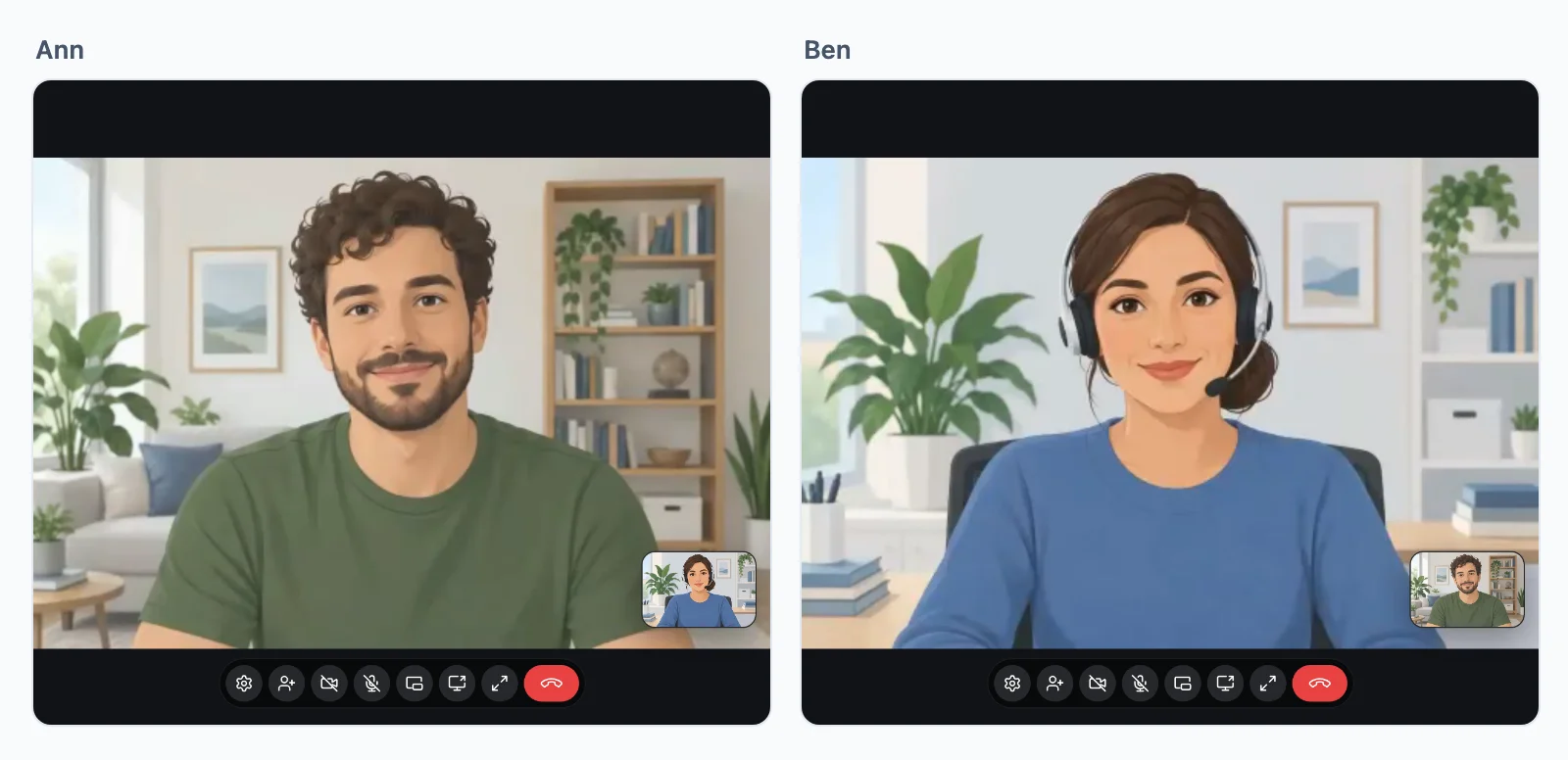
Calls, group calls and the call screen work in the app as in a browser: the platform web view has WebRTC. Start the screen, and put the buttons where people call from:
await rt.callScreen(); // the ring and the call window, in the app
<wordplus-call to="34" call="support:34:42" type="video" name="Ann">Call Ann</wordplus-call>
<wordplus-room room="meeting:daily" type="video" title="Daily meeting">Join the meeting</wordplus-room>
- The camera and microphone need the platform permission: add
NSCameraUsageDescriptionandNSMicrophoneUsageDescriptionto the iOSInfo.plist, andCAMERA,RECORD_AUDIOandMODIFY_AUDIO_SETTINGSto the Android manifest. - The room client and its encryption worker are among the app files (
npx wordplus-realtime copy www/), withroomsin the settings pointing at them. - A call rings while the app is open. Ringing a closed app takes a push notification of your own, which opens the app to answer.
- Who may call whom is your server (calls).
React Native
Calls in React Native come in a later version of the SDK: they need a WebRTC module (react-native-webrtc) the package does not bring yet. rt.calls() refuses meanwhile. Until then:
- a React Native app shows who is online, and its users call from your website, or
- it opens your page with the call in a web view (react-native-webview), signed in as the app user, where the call screen works.
Rooms, presence, events, who is online and the directory work in React Native now, as in a browser.
Swift and Kotlin
An app written in Swift or Kotlin has calls of its own, with the Better Messages native call screen: iOS and Android.